How WantHave works
The whole lifecycle, end to end — from saving your first want to the receipt filing itself. Scroll down and watch each piece work.
Scroll to see everything
Set up once,then you're good to go.
Make an account, install the browser extension, and connect your Gmail. That's the whole setup — and you only do it once.
See something you want?A click saves it.
The WantHave button rides along while you shop — one click on any product page grabs the photo, title and price. Or paste a link; same clean card.


Build the list.Style its page.
Make a wishlist, a shopping list, or a favorites list — public, private, password-protected, or friends-only. Then style the page with a template, colors and type.






Share it your way.Public, friends-only, or just you.
One link lets people find your wants — or invite friends to build the list with you. You decide exactly who sees it.
Grandma can claim a giftwithout signing up.
They tap “I'll get this” — reserved, no doubles, and you never see who. The surprise survives.

Keep the surprise.Split the cost.
Reserve in secret — the owner never sees who claimed what. Or rally a few friends to go in on the big one together.
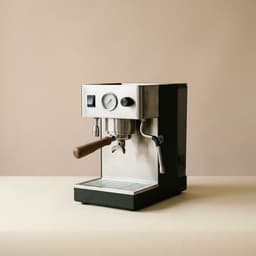
Your profile isyour own little storefront.
A custom page of everything you love — your favorite haves, your open wants. Drop the link in your bio and let people shop your taste.





Follow your friends.Steal their taste.
See what your friends are eyeing, and save it to your own list in a tap.
You bought it. From here, WantHave takes over.
You check out.We take it from there.
The confirmation hits your inbox and the order files itself — vendor, total, tracking, all read for you.
Parsed privately on a zero-data-retention model. We never store your inbox.

Every package.Every carrier.One moving line.
UPS, USPS, FedEx, DHL — all on one moving line. And when a carrier quietly slips the date, we say so out loud.
When the ETA slips, WantHave flags “Delayed” and shows the new date — instead of letting it pass in silence.


Returns, renewals, drops.Flagged before you miss them.
Return windows, warranties, renewals, price drops — WantHave nudges you in time, so money and deadlines never slip past you.
Nobody else watches the part that happens after you buy.
The stuff you already own,finally organized.
Everything you own — clothes, kitchen, home — sorted and searchable.
Pulled from your inbox the moment they arrive. Never dig for one again.
Promo codes extracted and saved, ready the next time you check out.
Not sure where to start? Open a real list.
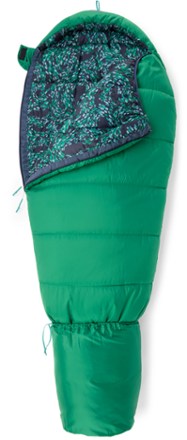
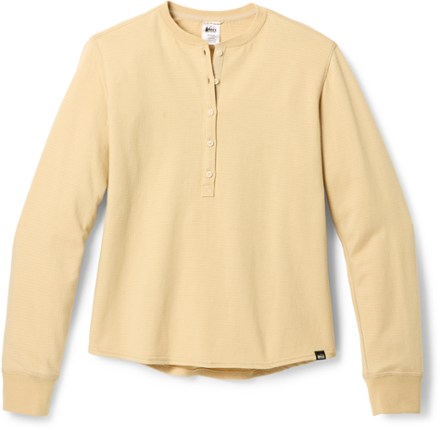
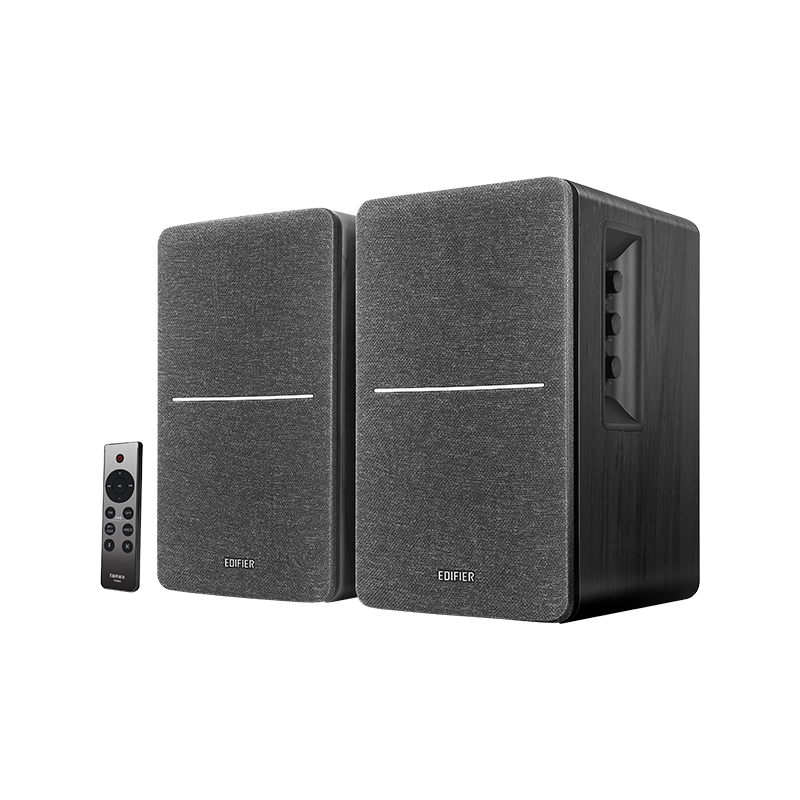
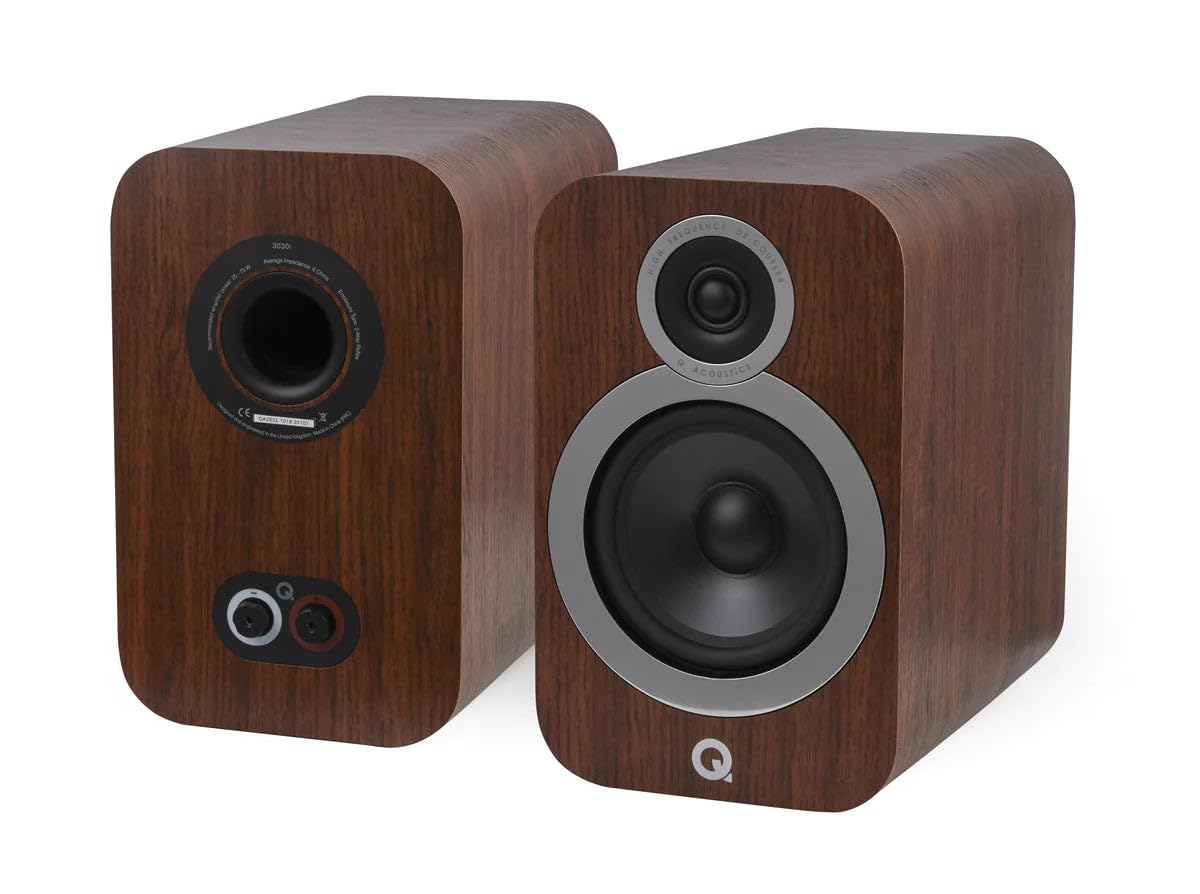
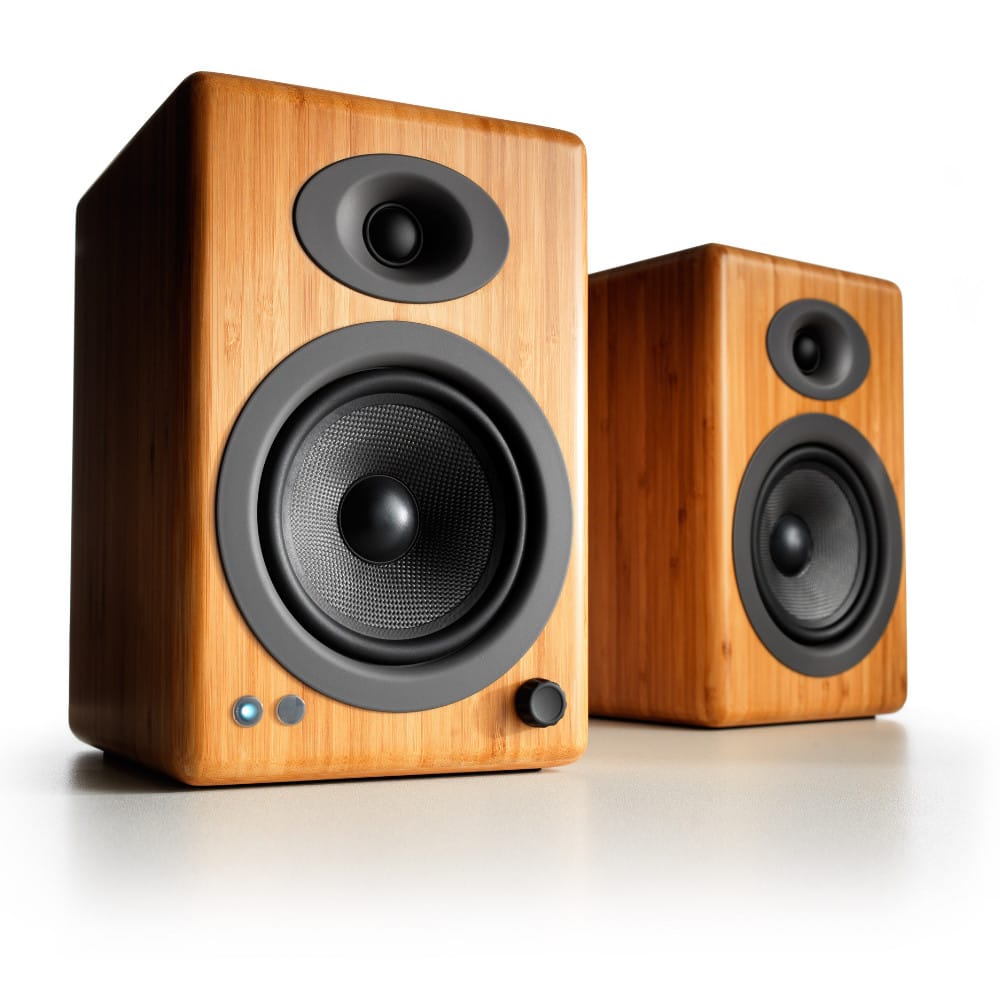
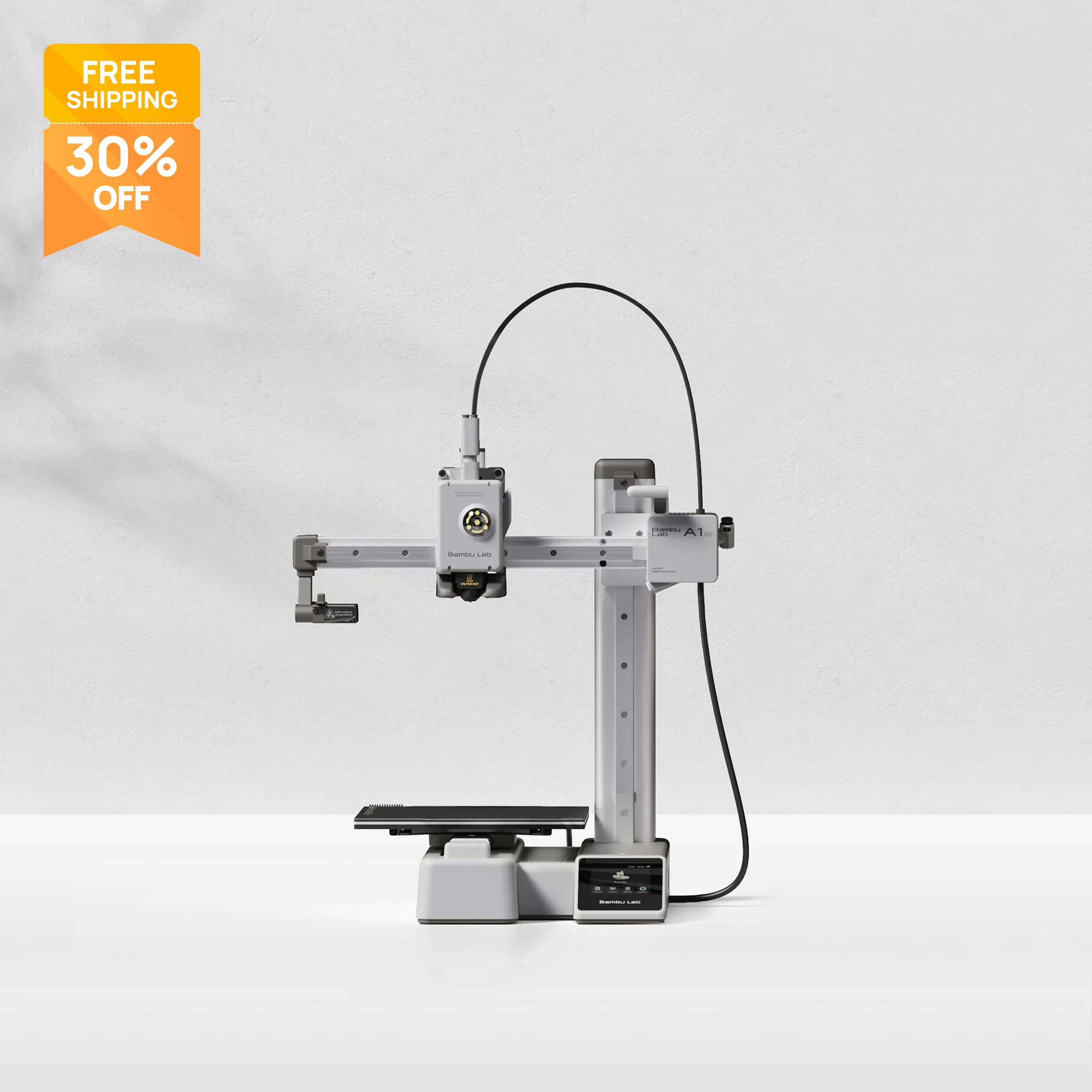
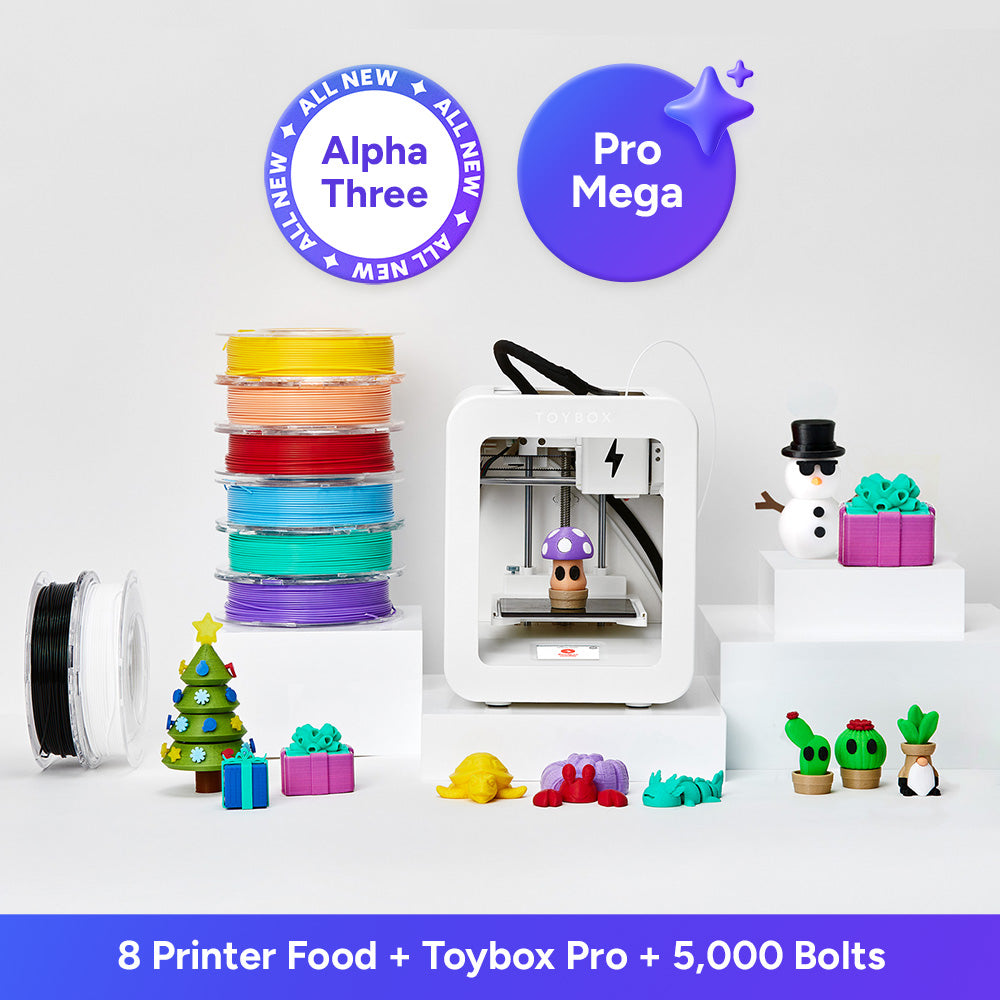
These are live WantHave lists, curated by our editors — open one and poke around. No account needed to look.






Other apps do half of it.WantHave does the whole thing.
The wishlist apps stop when you buy; the trackers only start after. Only WantHave covers both halves — and where a rival matches or beats us, we say so.
| WantHave | Babylist | Amazon | Elfster | Shop | |
|---|---|---|---|---|---|
| A few of the differences | |||||
| Custom, templated site — a page for every published list | ✓ | ◐ | — | — | — |
| Follow friends, save from their lists | ✓ | — | — | ◐ | — |
| Receipts captured from your inbox | ✓ | — | ◐ | — | ✓ |
| A digital closet of what you own | ✓ | — | — | — | — |
Get your shopping life together.
Your whole shopping world — the wants, the orders, the receipts — finally in one place. Free, and built to stay that way.
Already have an account? Sign in.